
Login
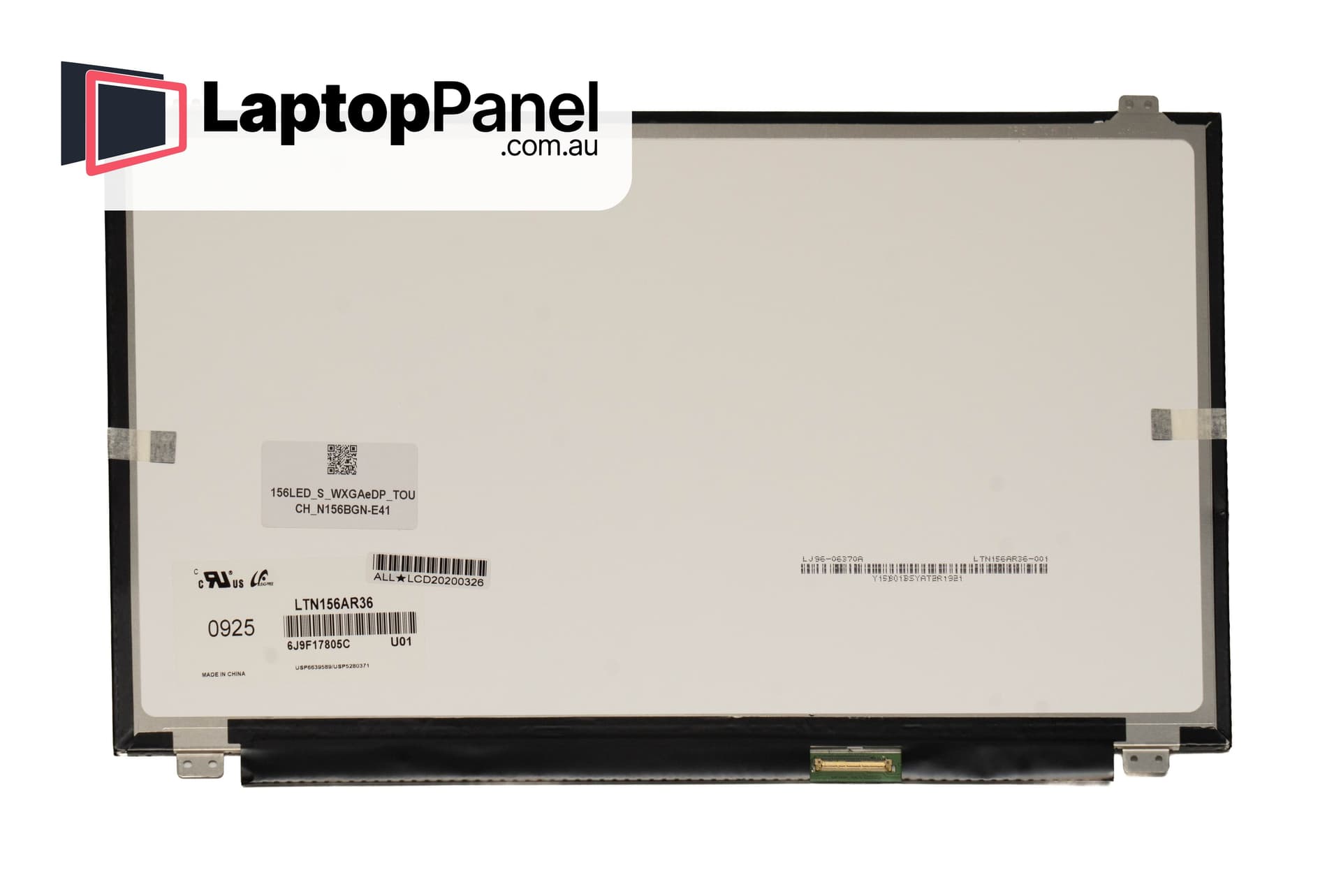
| Resolution | WXGA (1366 x 768) |
| Size | 15.6" |
| Connector | 40pin (eDP) Bottom Right |
| Mountings | No Brackets |
| Surface | Glossy/Matte dep. on stock |
| Touch Type | Embedded Touch |
| Additional | HD Touch |
| Warranty | 12 Months |
A replacement touch screen compatible with the HP PAVILION 15-CD005AX, in the 15.6" size class, built with the touch sensor embedded in the LCD cell itself. There is no separate glass digitizer: this panel is the complete touch surface for laptops built with an embedded (in-cell) touch design.
Touch laptops are built two ways, and the parts are not interchangeable, so please check the following against your machine:
Panels are sourced from established LCD manufacturers, inspected before dispatch and shipped in rigid, foam-lined packaging designed for glass. Where a compatible-grade panel is supplied, it meets or exceeds the specification of the part it replaces; the panel maker can vary with stock.
Fitting follows the same steps as a standard screen swap — unclip the bezel, unscrew the old panel, transfer the cable — with one extra caution: the connector also carries the touch signal, so seat it fully and squarely before first power-on. If touch does not respond after the swap, reseat the cable before assuming a fault.
Copyright of One Ninety Six Pty Ltd – © 2026. All rights reserved. LAPTOPPANEL.COM.AU ABN 15 621 495 850